RPA vs AI Agents vs HRIS Workflows: What's the Difference?
RPA vs AI agents vs HRIS workflows: three different technologies, three different use cases. This guide breaks down what each does, where each breaks, and how to match the right one to your HR process.

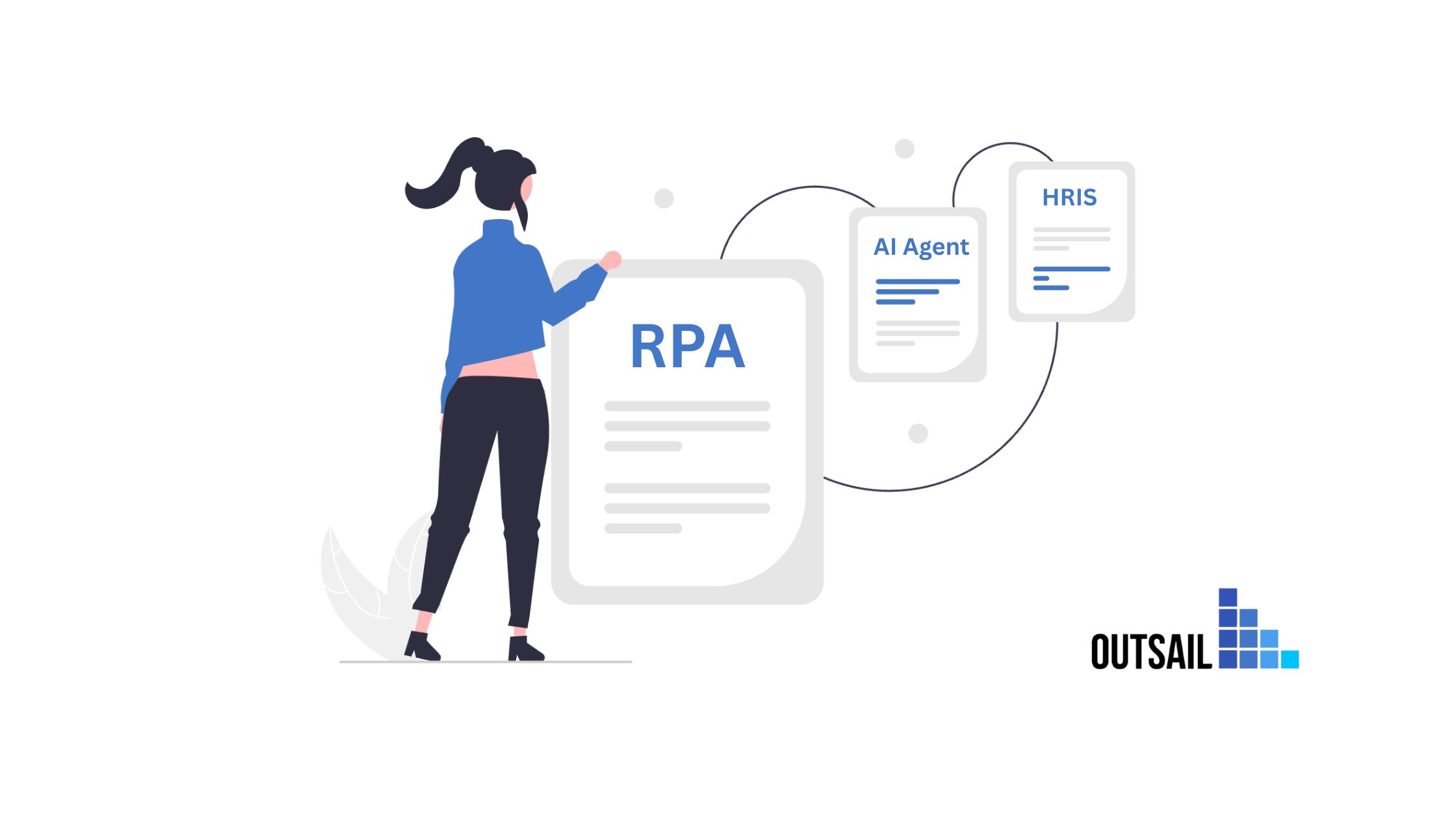
If you work in HR operations, you've now heard three different pitches for automating your work: your HRIS vendor says their built-in workflows can handle it, someone on LinkedIn says RPA will transform your department, and every conference keynote insists AI agents are the future.
They're all talking about automation. But they're describing three fundamentally different things, and confusing them leads to bad buying decisions, failed implementations, and wasted budget.
HRIS workflows are pre-built automations that live inside a single system and handle simple triggers. RPA (robotic process automation) is scripted software that mimics human clicks and keystrokes across systems. AI agents are autonomous systems that interpret goals, reason through multi-step processes, and adapt when conditions change.
Each has a role. None replaces the others entirely. And choosing the wrong one for a given HR process is one of the most common (and most expensive) mistakes mid-market companies make.
This guide clarifies what each technology actually does, where it works best, where it breaks down, and how they fit together in a modern HR automation stack.
HRIS Workflows: Built-In, System-Bound, Limited
What They Are
HRIS workflows are the automations that come packaged inside your HR software. Every major platform (Workday, ADP, Paylocity, BambooHR, Rippling, UKG) includes some form of built-in workflow engine.
These workflows follow a straightforward pattern: when a trigger event occurs inside the system, execute a predefined sequence of actions. Common examples include sending a welcome email when a new hire record is created, routing an approval request to a manager when a PTO request is submitted, and generating a task checklist when an employee's start date arrives.
Where They Work
HRIS workflows are effective for single-system, linear processes that don't require conditional logic or cross-platform coordination. They're reliable for standard approval routing (PTO requests, expense approvals, job change sign-offs), basic notifications and reminders (benefits enrollment deadlines, document expiration alerts), simple task assignment (onboarding checklists, offboarding steps), and scheduled report generation.
For these use cases, HRIS workflows are often the right answer. They're already built into the system you're paying for, they don't require additional licensing, and they're maintained by your vendor.
Where They Break Down
The limitations surface fast once processes get even moderately involved.
- They're confined to one system. An HRIS workflow can trigger actions inside the HRIS, but it can't reach into your payroll platform to update a tax withholding, notify IT through a ticketing system to provision a laptop, or check your benefits platform to verify enrollment status. The moment a process crosses system boundaries, HRIS workflows stop working.
- They can't handle branching logic well. Most HRIS workflow engines support basic if/then rules, but they struggle with the kind of multi-variable conditional logic that real HR processes involve. For example: if a new hire is in California AND non-exempt AND part-time AND enrolled in a specific benefits plan, trigger a different onboarding sequence. That level of nesting exceeds what most built-in workflow engines were designed for.
- They don't adapt. HRIS workflows execute the same sequence every time, regardless of context. If a new hire's start date moves, the workflow doesn't automatically adjust its timeline. If a background check comes back with an ambiguous result, the workflow doesn't know how to deviate from the happy path.
A Real HR Example: Onboarding
Your HRIS can send a welcome email and generate a task checklist when a new hire's record is created. But it can't coordinate with IT for equipment provisioning, verify I-9 completion status in a separate compliance tool, trigger benefits enrollment in a different platform based on the employee's state, or adapt the entire sequence when the start date shifts by two weeks.
For onboarding that involves only HRIS-internal tasks, built-in workflows are fine. For the full onboarding process that spans five or six systems, they cover maybe 20 to 30% of the work.
RPA: Cross-System, Scripted, Fragile
What It Is
RPA uses software "bots" that mimic human interactions with computer systems. They click buttons, fill fields, copy data between screens, and execute predefined scripts across multiple applications. Think of RPA as a very fast, very precise employee who follows the exact same instructions every single time, with no capacity for judgment or adaptation.
RPA emerged in the 2010s as a way to bridge systems that didn't talk to each other. Instead of building expensive integrations, companies deployed bots that logged into System A, copied data, switched to System B, and pasted it in. For organizations stuck with legacy systems that lacked APIs, RPA filled a genuine gap.
Where It Works
RPA is at its best with high-volume, deterministic tasks that follow the exact same path every time and involve structured, predictable data. Strong HR use cases include transferring payroll data between systems on a fixed schedule, copying employee records from an HRIS into a benefits platform during enrollment, generating standardized compliance reports by pulling data from multiple screens, and processing batch updates (address changes, tax form distributions) when the format is consistent.
For these workflows, RPA delivers high accuracy (99%+ on deterministic tasks) at low per-transaction cost. Mature RPA programs routinely achieve 92 to 97% straight-through processing for well-scoped tasks.
Where It Breaks Down
RPA's weaknesses are well-documented and particularly painful in HR operations.
- It's brittle. When a system's user interface changes (a button moves, a field is renamed, a page layout updates), the bot breaks. Your HRIS vendor pushes a quarterly update, and suddenly your RPA bot can't find the "Submit" button. One large financial services company famously reported spending more on RPA bot maintenance than the bots saved in labor costs.
- It can't handle exceptions. RPA follows the script. When an employee's data doesn't match the expected format, when a field is blank that should be populated, when a process requires a judgment call, the bot either stops or makes a wrong move. In HR, exceptions aren't edge cases. They're daily occurrences.
- It can't read unstructured data. An employee email asking about PTO policy. A benefits question phrased differently than expected. A job change request that includes context about why the change is happening. RPA can't interpret any of this. It only works with structured inputs in predictable formats.
- It doesn't learn. The bot that processes its 10,000th transaction does so with exactly the same capability as the first. It doesn't get better at handling variations, doesn't recognize patterns, and doesn't improve over time.
A Real HR Example: Cost Center Transfer
An employee transfers between departments. RPA can log into the HRIS, update the cost center code, switch to the payroll system, change the cost allocation, and move to the org chart tool to reassign the reporting structure. If every system's interface is stable, the data is formatted correctly, and no exceptions arise, this works perfectly.
But if the cost center code in the HRIS uses a different format than the payroll system expects, the bot fails. If the transfer also requires a change in benefits eligibility (because the new department is in a different state), the bot doesn't know. If the manager assignment in the org chart tool has a pending approval that blocks the update, the bot stalls. Each of these scenarios requires human intervention, and in a mid-market company processing dozens of transfers per month, the exception handling often consumes more time than the automation saves.
Wondering which of your HR workflows are better suited for RPA, HRIS workflows, or AI agents? OutSail's evaluation tools help you assess each process against the right automation approach, free of charge.
AI Agents: Adaptive, Cross-System, Judgment-Capable
What They Are
AI agents are autonomous software systems that take a goal as input and determine how to achieve it. Unlike RPA, which follows explicit step-by-step instructions, and unlike HRIS workflows, which execute within a single system, AI agents reason about what needs to happen, coordinate actions across multiple platforms, and adapt when conditions change.
The operational definition that captures the distinction: traditional automation executes instructions; AI agents execute intent. You describe the outcome. The agent figures out the path.
Where They Work
AI agents deliver the highest value in workflows that involve multi-system coordination with conditional logic, unstructured or semi-structured data (employee emails, policy documents, chat messages), exceptions that require contextual judgment rather than binary rules, and processes where the "right answer" depends on variables that change (employee state, employment type, tenure, plan enrollment).
In HR, the strongest agent use cases include onboarding orchestration that adapts to role, location, and employment type across five or more systems; compliance tracking that continuously monitors hours, leave balances, and regulatory changes across jurisdictions; employee helpdesk operations that resolve questions by pulling the employee's specific context and taking action; and job and compensation changes that cascade updates across HRIS, payroll, benefits, and compliance in the correct sequence.
Where They Break Down
AI agents aren't the right tool for everything, and pretending otherwise leads to the same kind of disappointment that followed the RPA hype cycle.
- They introduce variability. Because agents reason about actions rather than following scripts, they can produce different outputs from similar inputs. For processes where deterministic consistency is required (payroll calculations, regulatory filings, tax computations), this variability is a liability, not a feature.
- They require governance infrastructure. Every agent decision needs accountability, audit trails, and defined escalation paths. Without governance, an agent making wrong decisions at scale creates problems faster than a human error ever could.
- They need clean data foundations. Agents treat the data they receive as truth. If your systems contain conflicting employee records, agents will make confident decisions based on incorrect information.
- They cost more upfront. AI agent deployments typically run $50K to $500K+ with 3 to 6 month implementation timelines. RPA is cheaper to start (though maintenance costs often erode the savings). HRIS workflows are free since they're included in your platform.
A Real HR Example: Onboarding (Revisited)
Same scenario: a new hire is starting. The AI onboarding agent reviews the new hire's role, department, location, and employment type. Based on that context, it assembles the correct onboarding sequence, which varies by state (California requires different compliance documents than Texas), by employment type (exempt hires get a different benefits enrollment timeline than non-exempt), and by department (engineering new hires need different system access than sales).
The agent triggers tasks across the HRIS, IT ticketing system, benefits platform, compliance tool, and learning management system. It monitors completion status across all of them. When the new hire's start date moves by a week, the agent automatically adjusts every downstream deadline. When the background check returns an ambiguous result, the agent escalates to the appropriate HR coordinator with full context attached.
The HRIS workflow couldn't cross system boundaries. The RPA bot would break on the first exception. The agent handles the full process, end to end, adapting as conditions change.
Side-by-Side: How the Three Compare
Understanding the differences is easier when you see them mapped against the dimensions that actually matter for HR operations.
Scope of Operation
- HRIS Workflows: Single system only. Cannot reach outside the platform they're built into.
- RPA: Cross-system via UI interaction or API scripts. Can connect multiple platforms, but each connection is a separately built and maintained script.
- AI Agents: Cross-system via APIs and orchestration layers. Coordinate actions across multiple platforms as part of a single workflow, adapting the sequence based on context.
Handling Exceptions
- HRIS Workflows: No exception handling. If the process deviates from the configured path, it either stops or follows the default route regardless.
- RPA: Minimal exception handling. Bots can be programmed with basic error catches, but unexpected scenarios cause failures that require human intervention.
- AI Agents: Built for exceptions. Agents reason about unexpected scenarios, apply contextual judgment, and escalate to humans only when confidence is low. Each exception becomes a learning opportunity for future optimization.
Maintenance Requirements
- HRIS Workflows: Low maintenance. Vendor manages the workflow engine; you configure the rules. Updates may require reconfiguration after platform upgrades.
- RPA: High maintenance. UI changes, system updates, and data format shifts break bots regularly. Maintaining a fleet of bots can consume more resources than the bots save.
- AI Agents: Ongoing management required. Business rules, edge cases, and integrations need continuous updates. But the investment compounds over time as agents improve.
Data Requirements
- HRIS Workflows: Minimal. They operate on data already inside the system. Data quality issues within the HRIS affect results, but there's no cross-system data dependency.
- RPA: Moderate. Bots need data in consistent, predictable formats. Inconsistencies between systems cause failures.
- AI Agents: High. Agents need clean, consistent data across every system they connect to. Data quality is the single biggest determinant of agent reliability.
Best Use Cases in HR
- HRIS Workflows: Approval routing, basic notifications, single-system task assignments, scheduled reports.
- RPA: Batch data transfers, standardized report generation, high-volume structured data entry, legacy system bridging.
- AI Agents: Multi-system onboarding orchestration, compliance tracking across jurisdictions, employee helpdesk resolution, job-change cascades, and any process involving conditional logic and exceptions.
Not every process needs an AI agent. Some are perfectly served by HRIS workflows or RPA. The key is matching the right technology to the right workflow. OutSail helps mid-market HR teams assess which approach fits each process, so you invest in what actually delivers ROI.
How the Three Work Together
The smartest HR teams in 2026 aren't choosing one of these technologies. They're running all three in a coordinated stack, each handling the work it's best suited for.
The Layered Architecture
- HRIS workflows handle internal platform tasks: approvals, notifications, task checklists, and scheduled actions that don't need to leave the system.
- RPA handles structured, high-volume data movement between systems: batch payroll file transfers, scheduled report pulls, and legacy system data extraction where APIs aren't available.
- AI agents sit on top as the intelligence and coordination layer: orchestrating multi-step processes, handling exceptions, making contextual decisions, and coordinating actions across the HRIS, payroll, benefits, time tracking, and any other connected system.
A Practical Example
An employee submits a PTO request:
- The HRIS workflow routes it to the manager for approval and sends a confirmation email when approved. (Single-system, linear process.)
- An RPA bot copies the approved PTO data from the HRIS to the legacy time-tracking system that doesn't have an API integration. (Cross-system structured data transfer.)
- An AI agent monitors the employee's PTO balance against state-specific accrual rules, checks whether the request creates a scheduling gap that needs backfill, and flags the situation for the manager if the employee is approaching their annual carryover limit under a policy that differs by state. (Cross-system contextual analysis with conditional logic.)
Each technology handles the layer it was built for. Together, they cover the full process.
How to Decide What Goes Where
Use this decision tree for any HR process you're considering automating:
- Does the process live entirely within one system? If yes, start with your HRIS workflow engine. Don't over-engineer it.
- Does the process cross systems but follow the exact same steps every time, with structured data and no exceptions? If yes, RPA is likely the right fit. Just budget for maintenance.
- Does the process cross systems, involve conditional logic, require contextual judgment, or produce frequent exceptions? If yes, that's an AI agent use case.
- Is the process high-volume but split between predictable and unpredictable steps? If yes, use the layered approach: HRIS workflows for the simple triggers, RPA for the structured data movement, and an AI agent for the coordination and exception handling.
For most mid-market HR teams, the practical starting point is to audit your highest-volume workflows against this framework, categorize each one, and invest accordingly.
OutSail maps the HR tech stacks, workflows, and pain points of hundreds of mid-market companies. That context makes it possible to recommend exactly which automation approach fits each process, without the bias of a vendor selling one specific technology. Book a free consultation.
Frequently Asked Questions
What is the difference between RPA and AI agents in HR?
RPA follows pre-scripted instructions to replicate human actions across systems, executing the same steps identically every time. AI agents take a goal as input and autonomously determine how to achieve it, reasoning through multi-step processes, adapting to exceptions, and coordinating across platforms. RPA is ideal for structured, high-volume, deterministic tasks. AI agents handle processes that involve conditional logic, unstructured data, and contextual judgment.
Can HRIS workflows replace RPA or AI agents?
No. HRIS workflows are confined to the platform they're built into and can only handle single-system, linear processes like approval routing and notifications. They can't coordinate across payroll, benefits, time tracking, or other systems. For cross-system automation, you need either RPA (for structured, scripted transfers) or AI agents (for adaptive, judgment-based coordination).
When should HR teams use RPA instead of AI agents?
Use RPA for processes that are high-volume, follow the exact same steps every time, involve only structured data, and don't require contextual decisions. Batch payroll transfers, standardized compliance report generation, and legacy system data entry are strong RPA candidates. If the process involves exceptions, conditional logic, or multi-variable decisions, AI agents are the better fit.
How do RPA, AI agents, and HRIS workflows work together?
The most effective HR automation stacks layer all three: HRIS workflows handle internal platform tasks (approvals, notifications, checklists), RPA handles structured cross-system data movement (batch transfers, report pulls), and AI agents provide the intelligence layer for orchestration, exception handling, and contextual decision-making. Each technology handles the work it's best suited for.
What should mid-market HR teams do first to improve automation?
Start by auditing your highest-volume HR workflows against a simple decision framework: does the process stay in one system (HRIS workflow), cross systems with predictable steps (RPA), or cross systems with conditional logic and exceptions (AI agents)? Match each process to the right technology rather than applying one solution to everything. A structured tech stack evaluation accelerates this process.
This is part of OutSail's series on AI agents in HR. Read the companion articles: What Is an AI Agent Workforce?, The 5 HR Processes Most Ready for AI Agents Today, Why Most Companies Will Fail at Building AI Agents Internally, and How to Audit Your HR Processes for AI Readiness.
.png)
